How to add an SSO provider?
Go to the admin panel. Select Account settings. Go to the SSO providers page
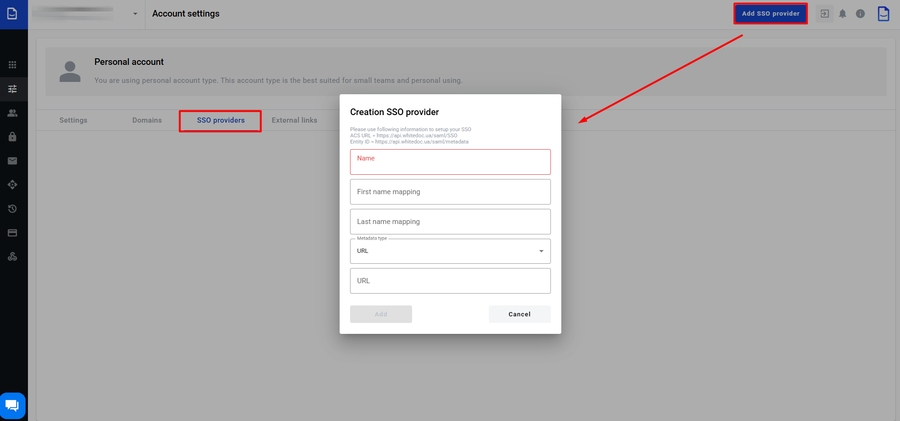
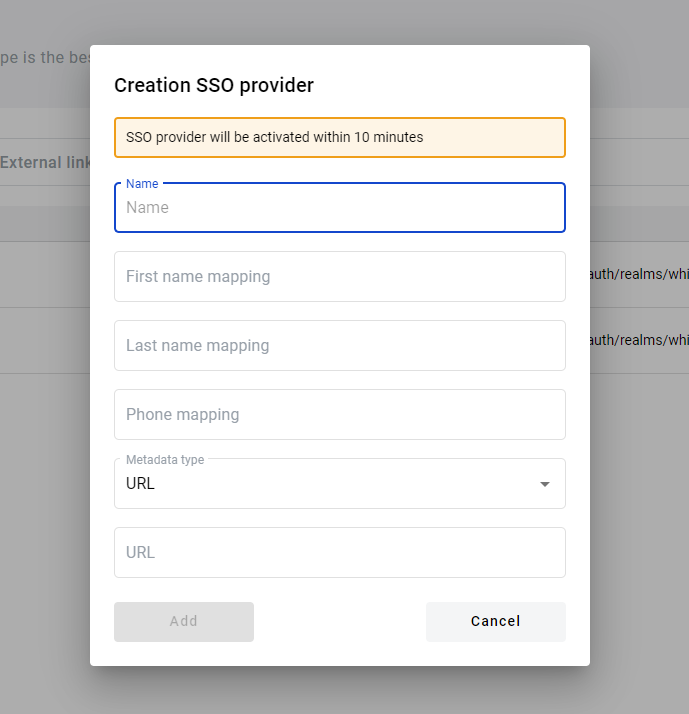
On the SSO providers page, click the Create SSO provider button. A modal window will open after clicking the button. Fill in the main fields. You can choose the type of metadata. Specify a URL or XML. Once you have filled in all the data, click the Add button
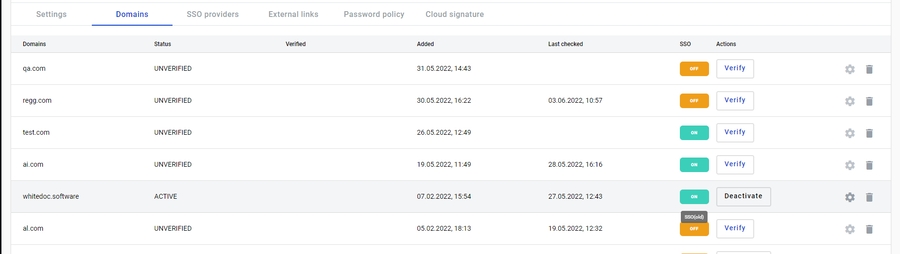
Go to the domains page, select the active domain, and click on the ‘Manage SSO settings’ icon.
You will see a modal window where you can select the available SSO
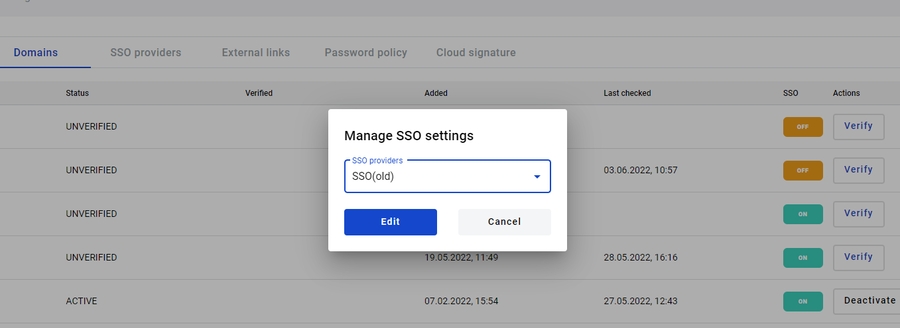
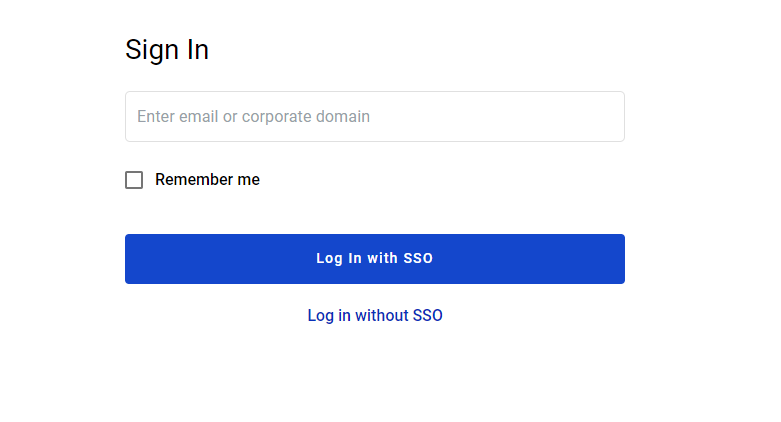
After connecting SSO to the domain, your corporate users will be able to log in via SSO.
Last updated