How to create a mailbox
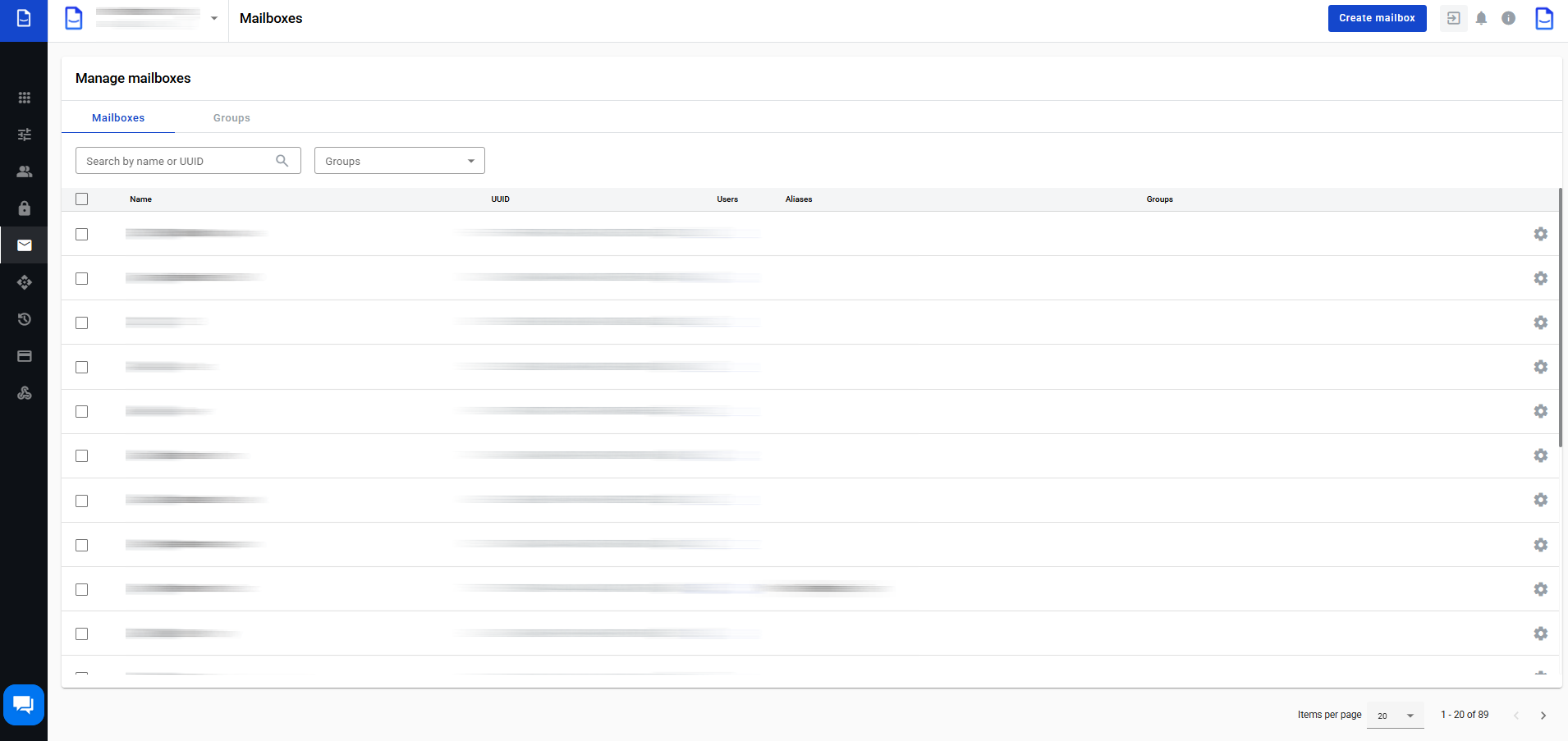
Use the Mailboxes page to manage mailboxes and mailbox groups.

You can create, edit, and delete both.

chevron-rightClick to view the screenshot...hashtag

Create a mailbox

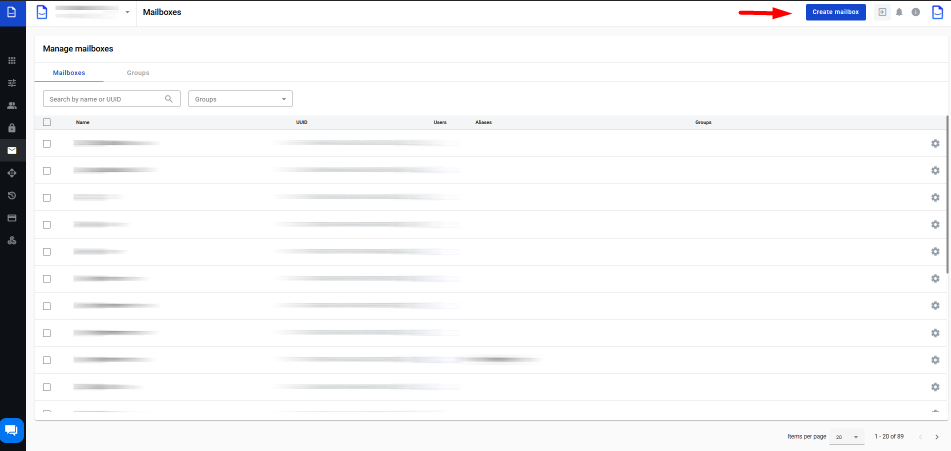
  1. Click .

chevron-rightClick to view the screenshot...hashtag
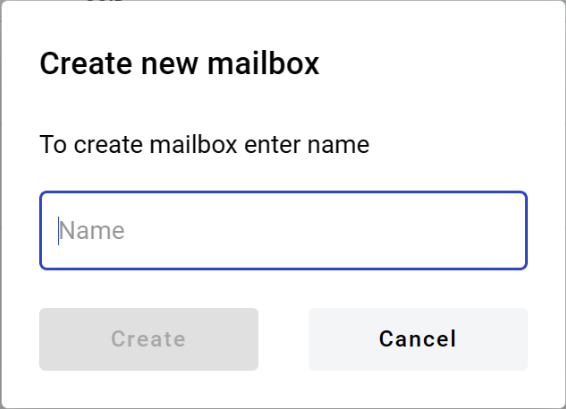
  1. Enter the mailbox name.

  2. Click .

chevron-rightClick to view the screenshot...hashtag

Generate a report by mailbox

  1. Select records in the mailboxes table.

  2. Click .

  3. Wait for the report email.

  4. Open the email and click .

chevron-rightClick to view the screenshot...hashtag

Add mailboxes to a group (bulk)

Use in the table header.

Check users assigned to a mailbox

In the Users column, click the number link.

You’ll be redirected to Users with a mailbox filter applied.

Edit a mailbox

To open mailbox settings, click icon.

chevron-rightClick to view the screenshot...hashtag

From the edit view, you can:

  • update the mailbox name

  • add or remove aliases

  • copy the mailbox UUID

  • unassign users from the mailbox

  • delete the mailbox

Last updated