Envelope callback is a functionality that allows you to receive a notification at the respective URL when an envelope appears in the mailbox according to configured filters. You can set up callbacks for mailboxes to receive envelope notifications outside our platform. This is done via API.
The administrative panel allows you to view and partially manage callbacks.
Open callbacks
Navigate to Callback tab in the admin panel.
Click to view the screenshot...
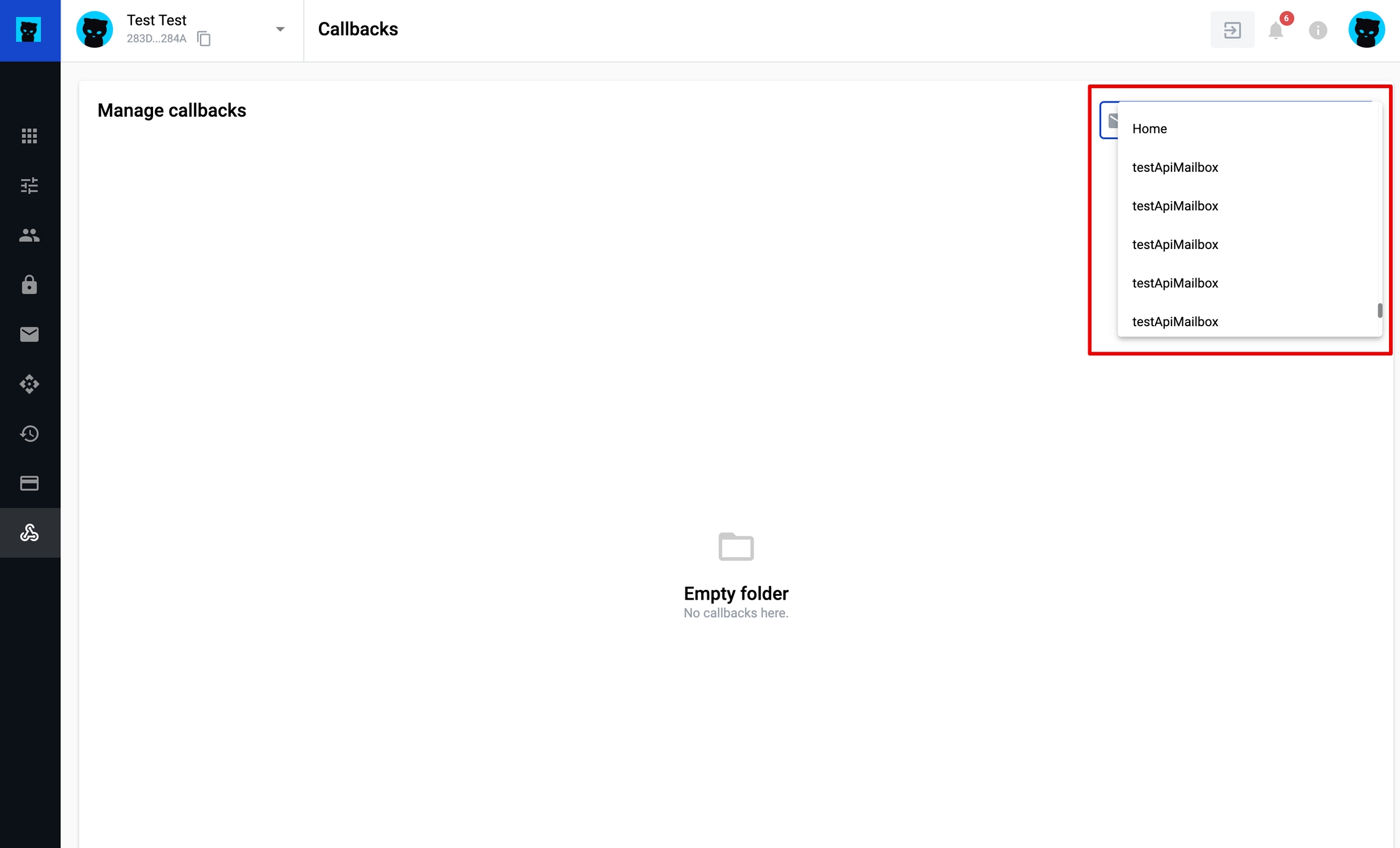
In the drop-down list, select the mailbox whose callbacks you want to display.
Click to view the screenshot...
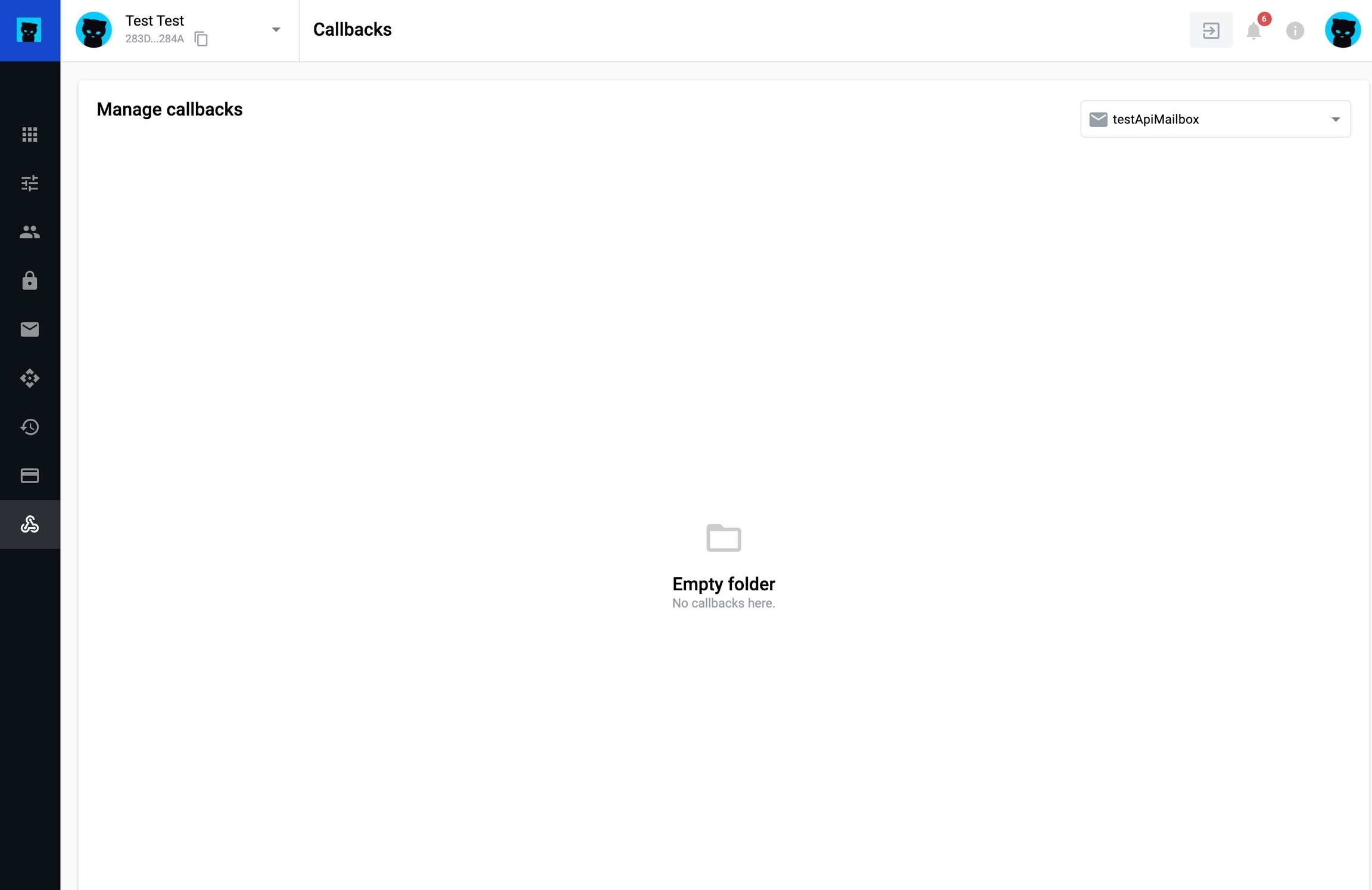
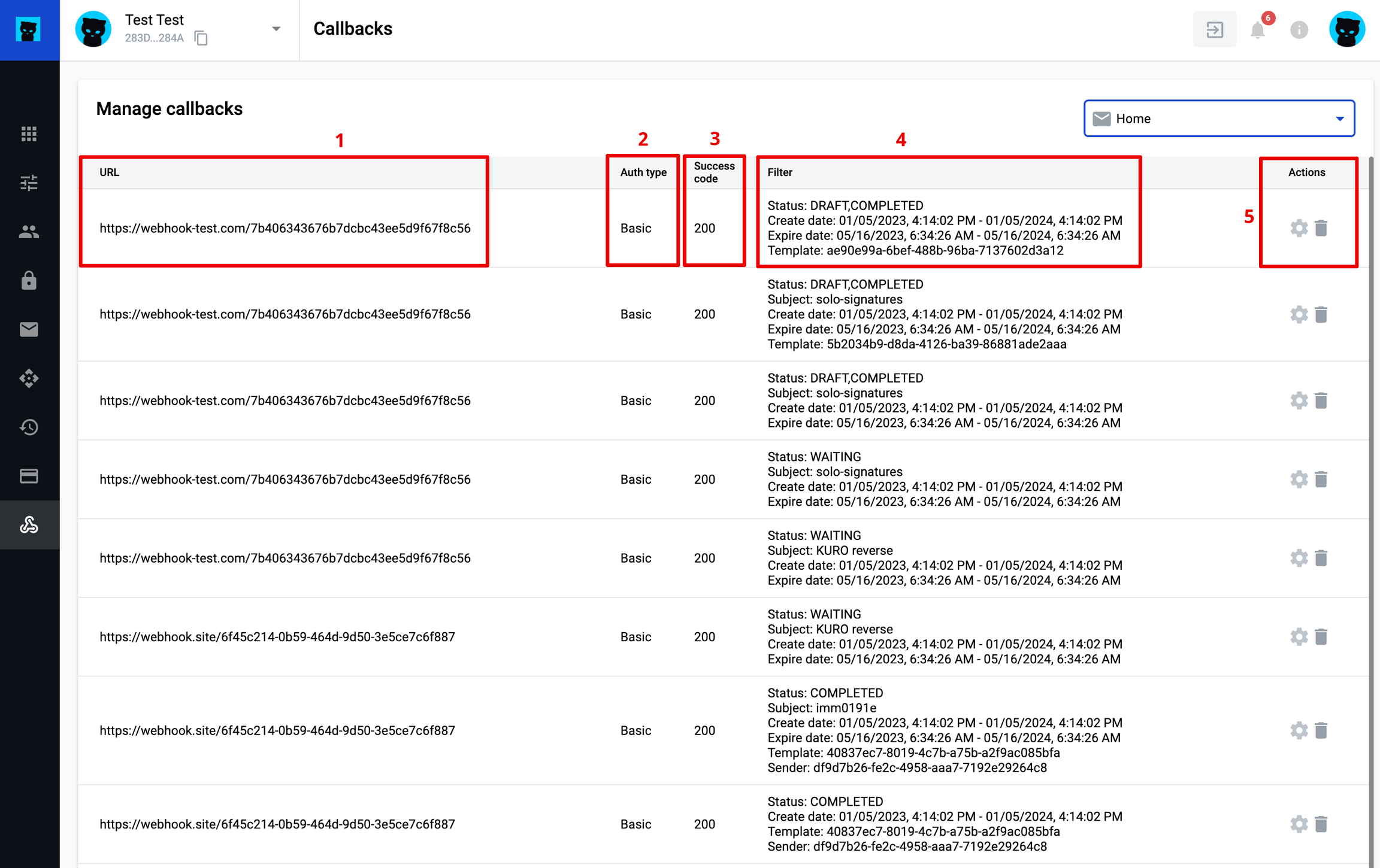
A list of callbacks will be displayed for the selected mailbox if callbacks have been configured via the API.
Otherwise, the page will be displayed as an empty folder.
Callback list columns
The list of callbacks contains the following information:
callback URL (1)
authentication type (2): Basic, None
success code (3)
filter (4): list of specified filters for a specific callback