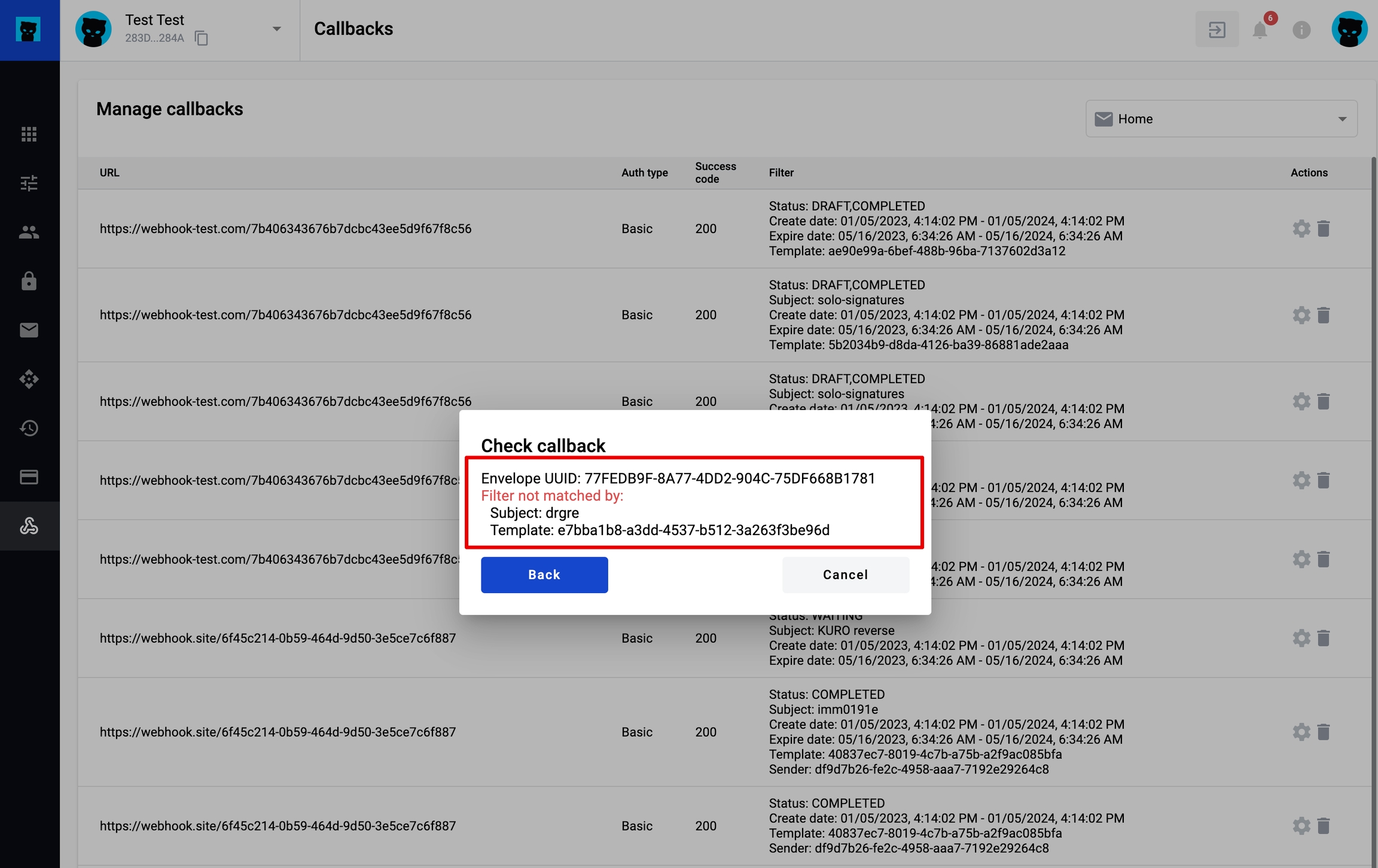
Use the callback settings to test if an envelope matches callback filters, and send a callback manually.
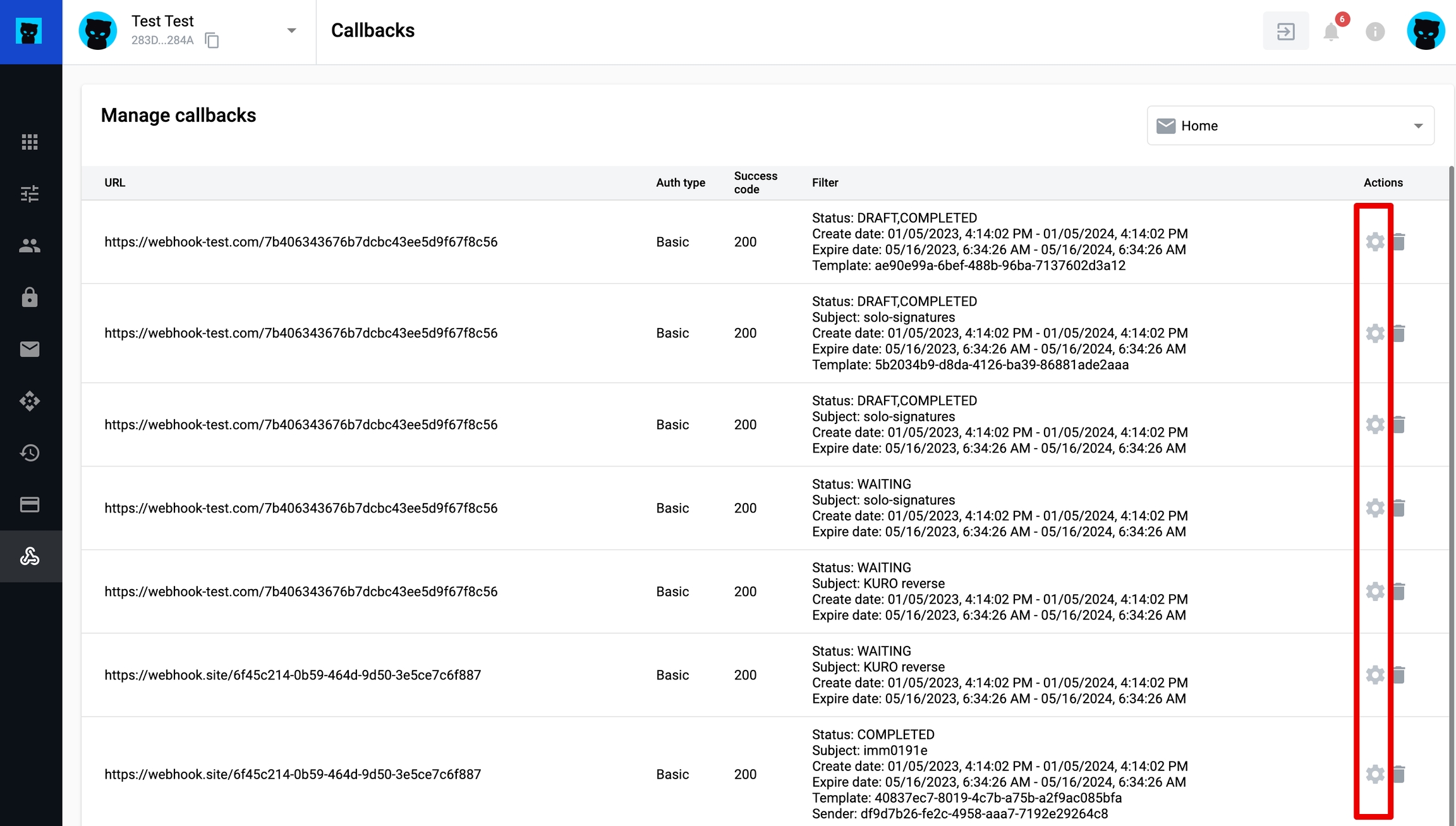
For the selected callback, open Settings.
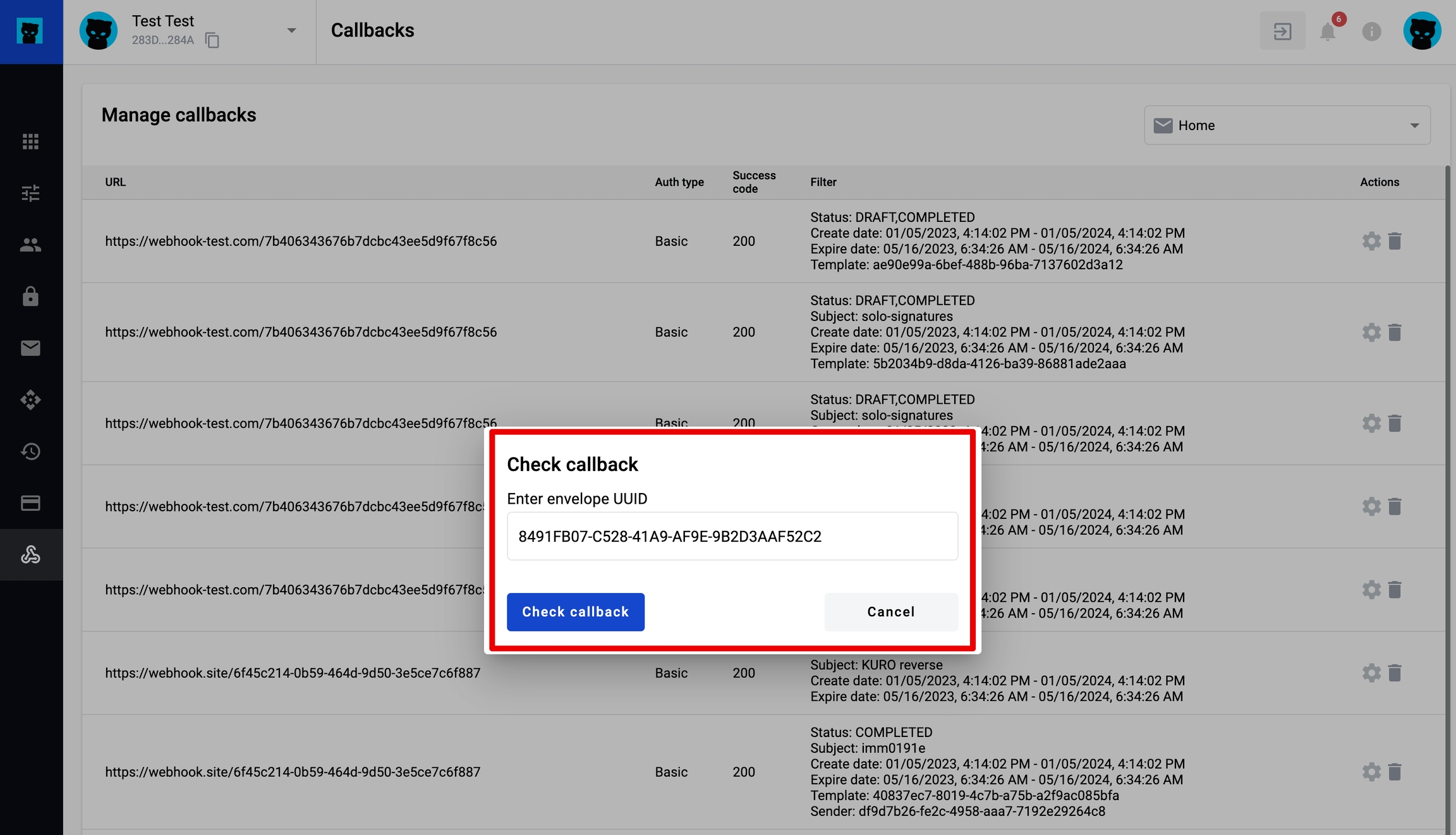
The Check callback modal window opens. Add a valid envelope UUID and click Check callback.
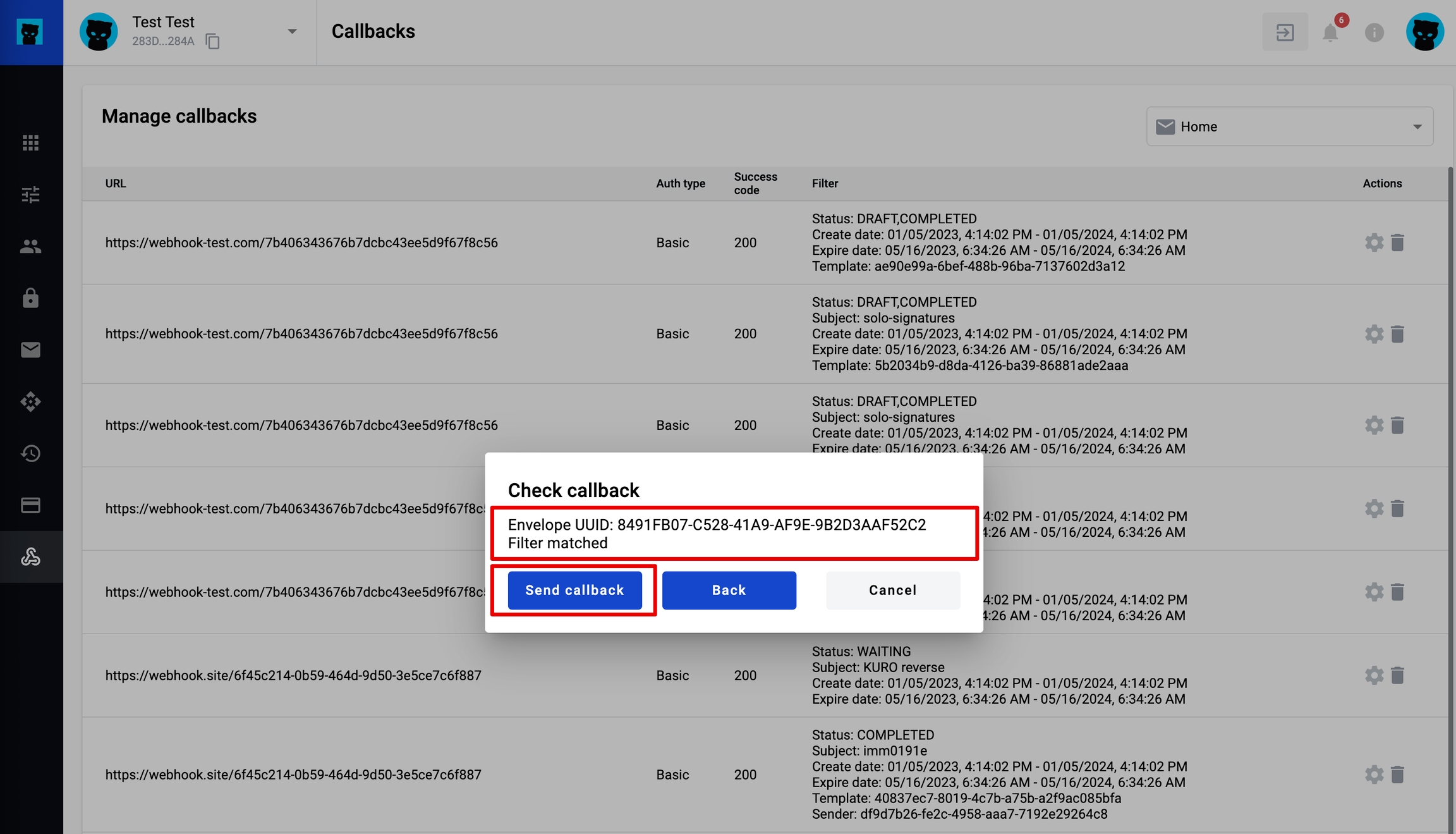
If the specified envelope UUID matches the configured filters, a corresponding message appears and the Send a callback button becomes active.
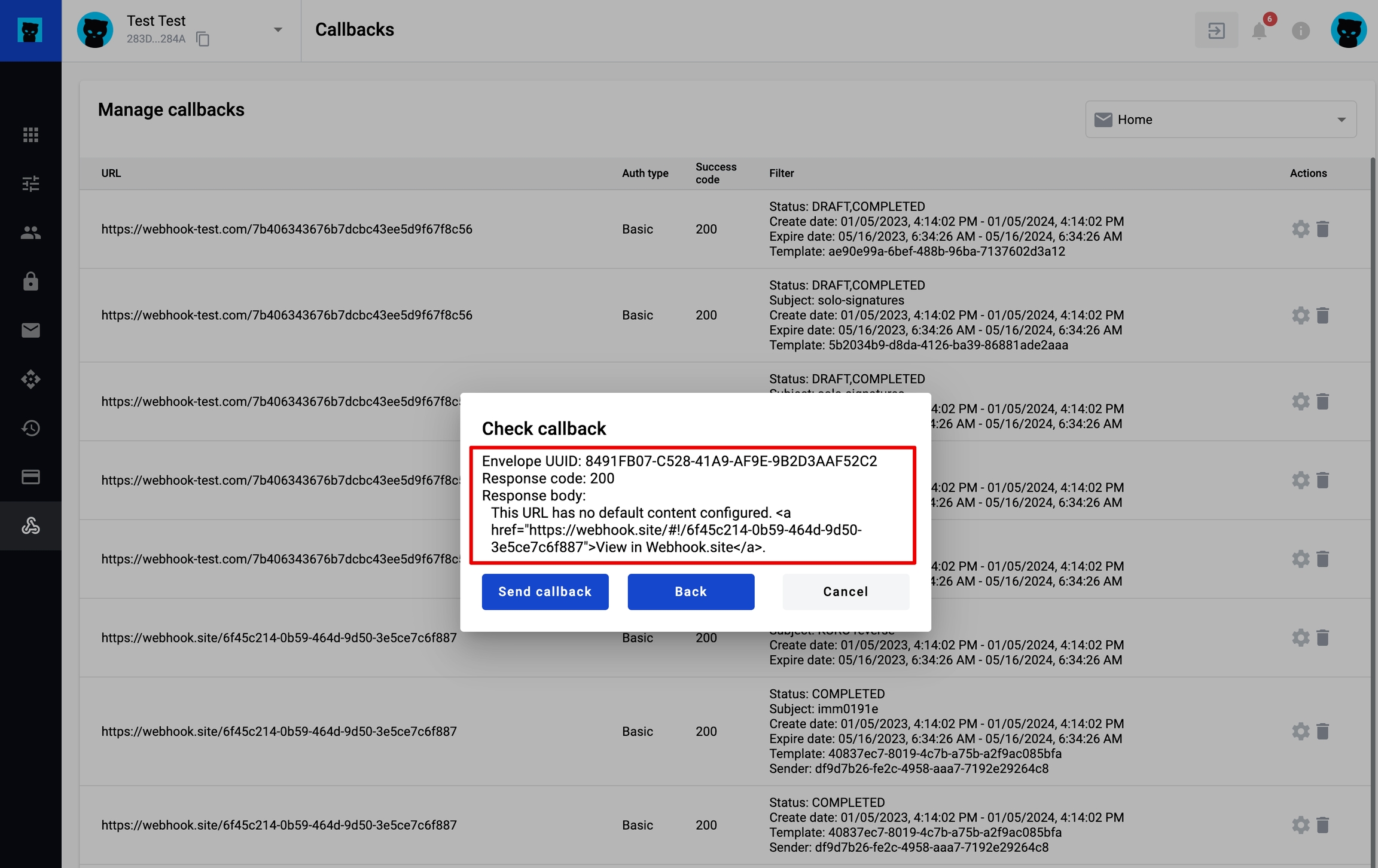
Click Send Callback. The modal window shows:
envelope UUID
response code
response body
You can send the callback again, return to the previous step (enter envelope UUID), or cancel the action.
If the specified envelope UUID doesn’t match the configured filters, a message listing mismatches is displayed.
After that, you can go back to the previous step, enter another envelope UUID, or cancel the action.
Last updated 6 days ago