How to send an envelope without authorization (for registered users)

Use a template link (or embedded iframe) to send an envelope without opening the mailbox UI first.

Send an envelope

  1. Open the template link.

  2. Fill in all required fields and signatures.

  3. Click .

circle-info

If you are already logged in in another tab and have a default mailbox, the envelope is sent automatically. If you have no default mailbox, you will be asked to select one.

chevron-rightClick to view the screenshot...hashtag

Sign in (if prompted)

  1. Enter your email address.

  2. Enter your credentials and sign in.

  3. If asked, select a mailbox to send from.

Confirm sending

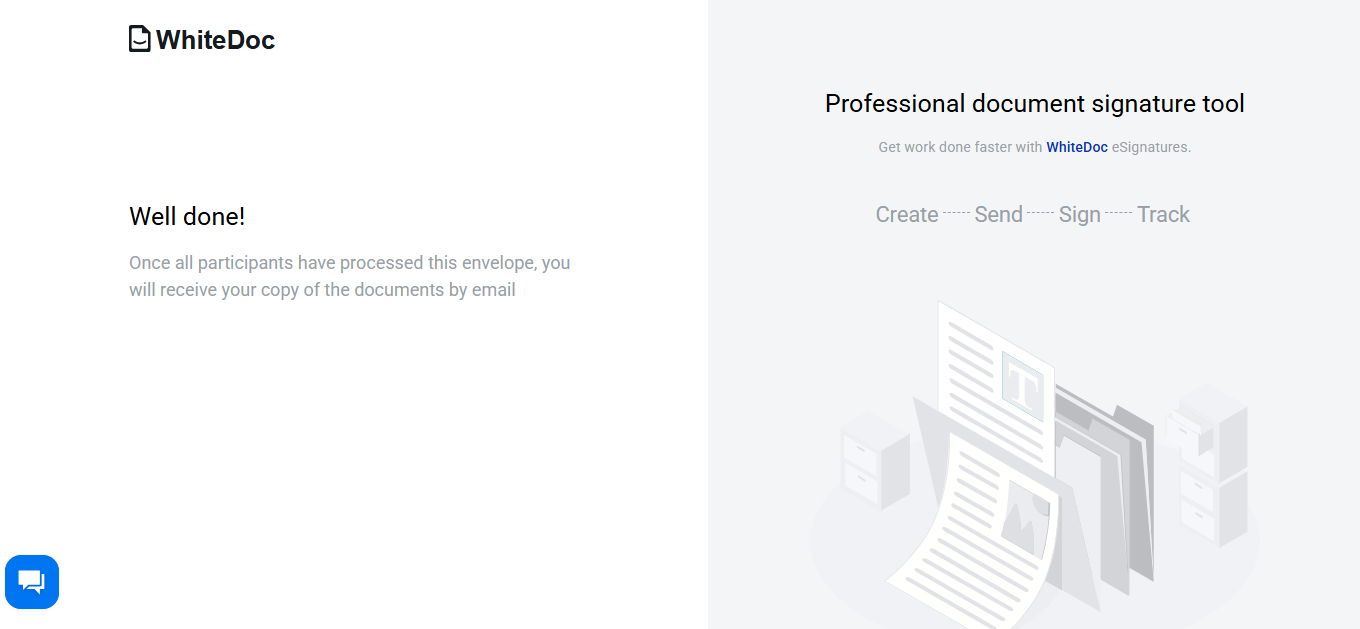
After the envelope is sent, you will see a confirmation page.

chevron-rightClick to view the screenshot...hashtag

Last updated