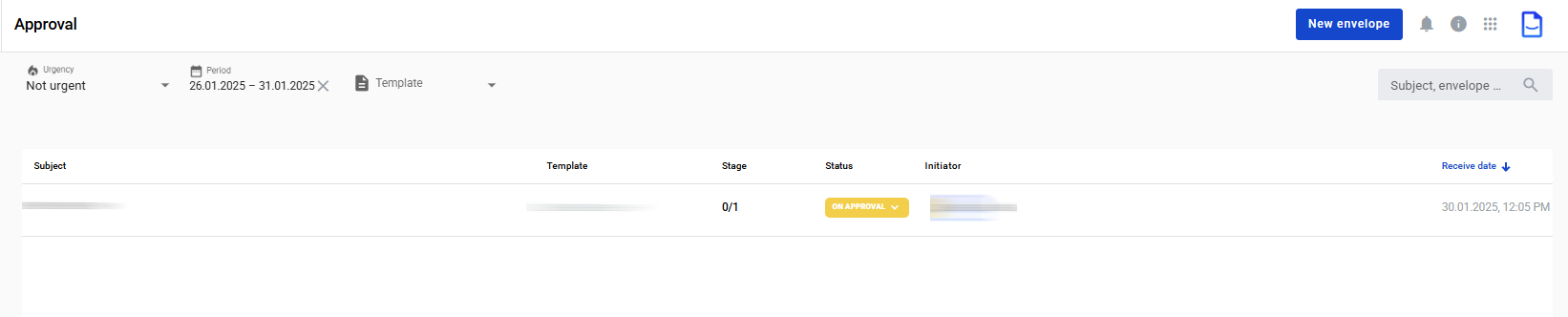
Manage approvals in Approval.
Use folders, filters, and bulk actions to process envelopes.
You need the correct permissions to open Approval.
Use folders on the left to switch approval views.
Use filters and search at the top of the page.
The table shows envelopes based on the selected filters and search query.
Filters are stored in the page URL.
You can copy the URL to share the same filtered view with another user.
Use pagination at the bottom to switch pages in the approval list.
Click an envelope Status.
A tooltip shows the full approval history.
Click Show more in the tooltip to see approver comments.
You can approve or reject multiple items from the list.
Open the Approve or Urgent tab.
Select approvals you want to process.
In the table header, click the Approve or Reject icon.
In the modal window, add a comment or leave it blank.
Confirm the action.
The modal shows the results after processing all selected approvals.
Last updated 8 days ago