Currency field
Use Currency field to collect monetary amounts during envelope processing.
You can place this field in:
structured documents
PDF documents
Add a currency field
Open the template in edit mode.
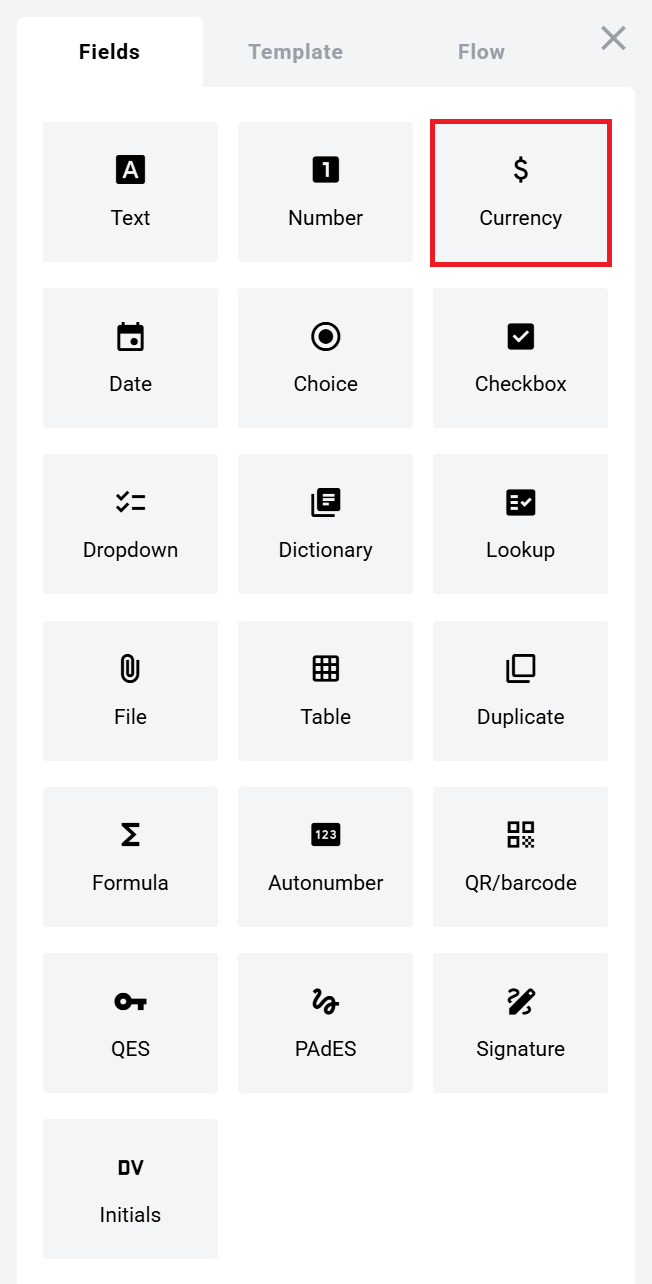
Open the Fields panel.
Find Currency field and add it to the document.
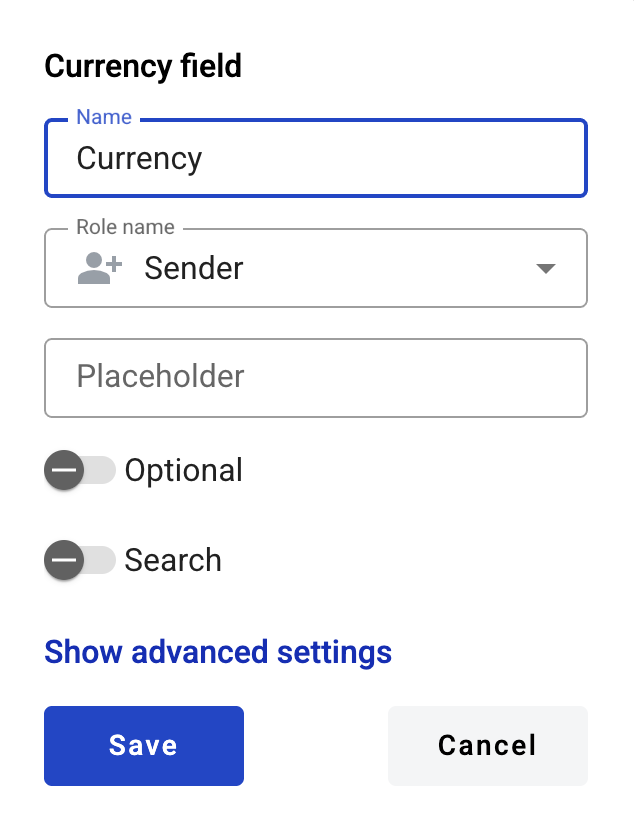
Configure the field and click Save.
Field settings
Click the field in the document to reopen properties and update them.
Basic settings
Name — Field name.
Role name — Role that fills the field.
Placeholder — Text shown before input. If empty, Name is used.
Optional — Whether filling the field is required.
Search — Whether the field is available for mailbox search.
Advanced settings
Adapt to the local format — Formats numbers using the participant’s region settings.
Min — Minimum allowed value. Leave empty for no limit.
Max — Maximum allowed value. Leave empty for no limit.
In the envelope view, number formatting depends on the region selected on the User profile page.\n\nIn printable versions, numbers always use the platform region standard.
Limits
The maximum allowed character count is 15 (IEEE 754).\n\nThis includes decimal places.\n\nExample: the value 999999999999999 becomes 9999999999999.00.
Edit or delete a currency field
Click the field in the document.
Update settings in the properties panel, or delete the field there.
Last updated