View external documents with Microsoft Office Viewer

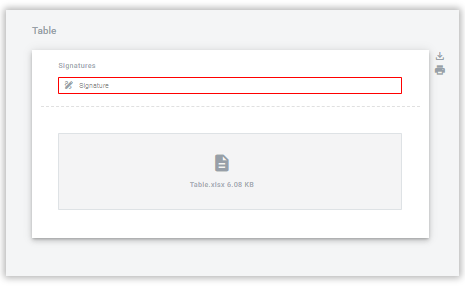
Microsoft Office Viewer lets you preview supported external attachments in DocStudio. When it’s enabled, users can open files directly in the browser. When it’s disabled, files are available for download only.

GIF animation

Supported formats

  • PDF

  • XLS

  • XLSX

  • DOC

  • DOCX

  • PPT

  • PPTX

If preview is disabled

When preview is disabled, supported formats are available for download only.

circle-info

DOC, DOCX, and PDF files are available for viewing and downloading even when Microsoft Office Viewer is disabled.

Enable Microsoft Office Viewer (admins)

circle-exclamation
  1. Open the Admin panel.

  2. Open Account settings.

  3. Enable View external documents with Microsoft Office Viewer.

  4. In the confirmation modal, review the notice and click .

  5. Save the settings.

For details, see the Microsoft Services Agreementarrow-up-right.

Notes and limitations

  • Preview with Microsoft Office Viewer is not available for unregistered users.

  • Unsupported formats are available for download only.

  • Password-protected files are not displayed.

  • Users with attachment download restrictions cannot access these files.

Last updated