QR/barcode field
Use QR/barcode field to generate QR codes and barcodes in a document.
You can place this field in:
structured documents
PDF documents
Add a QR/barcode field
Open the template in edit mode.
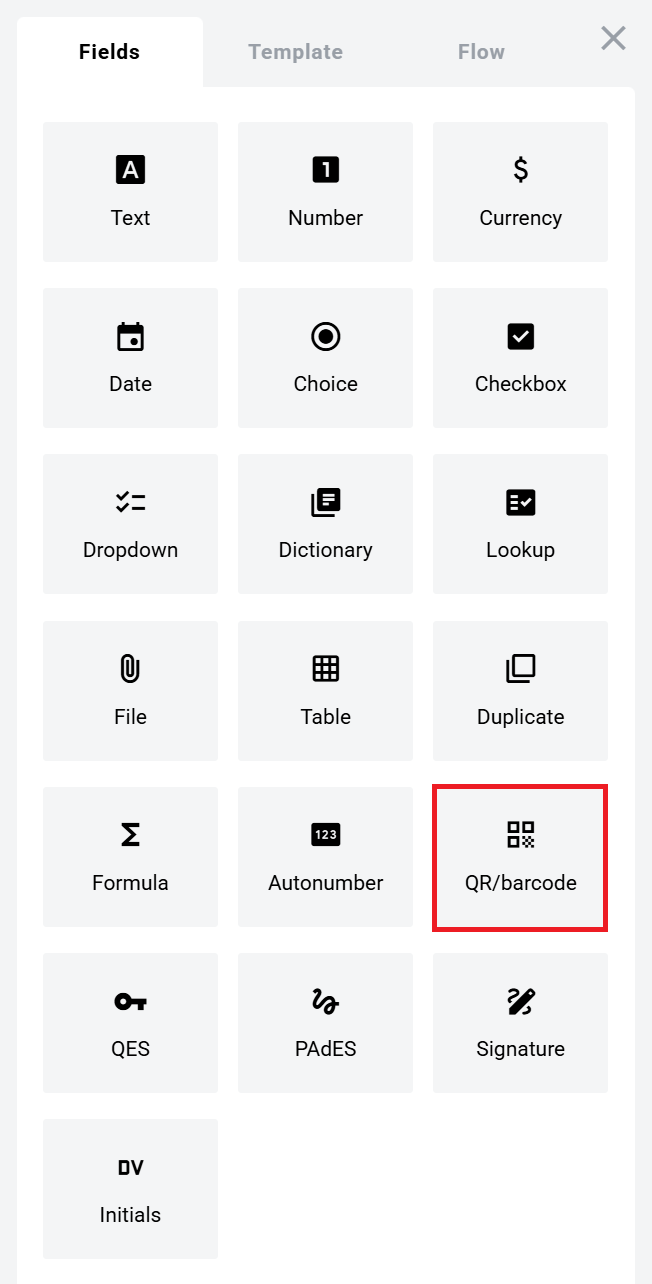
Open the Fields panel.
Find QR/barcode field and add it to the document.
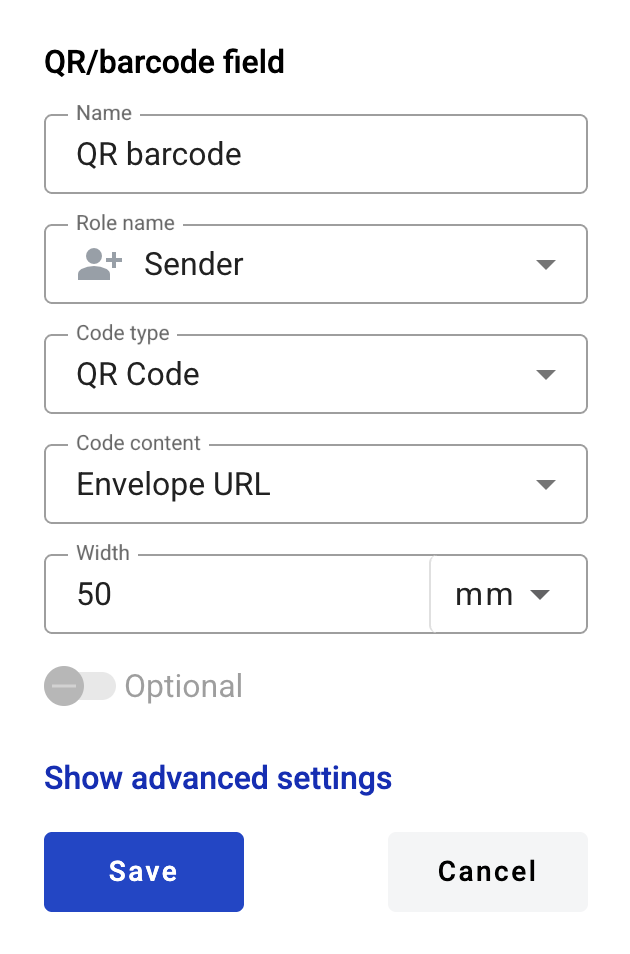
Configure the field and click Save.
Field settings
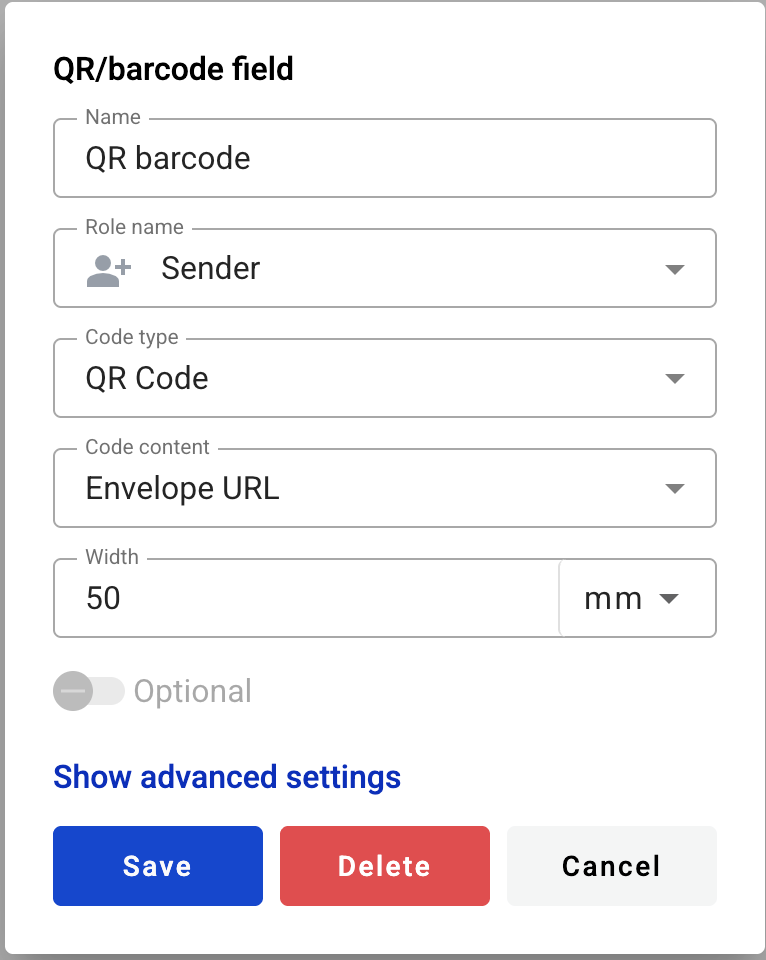
Click the field in the document to reopen properties and update them.
Basic settings
Name — field name shown in the document
Role name — role that fills the field (only for manual content)
Code type — QR/barcode type
Code content — what is encoded in the code
Advanced settings
Width — code width. Default value depends on Code type
width units — millimetres or percentage of document width
Optional — whether filling the field is required (available for manual content)
Most 1D barcodes support a limited set of characters.\n\nBecause of this, Envelope URL code content may be unavailable for 1D types.
Edit or delete a QR/barcode field
Click the field in the document.
Update settings in the properties panel, or delete the field there.
Last updated