Supported devices, browsers, and screen resolutions
DocStudio can run as a browser-based application on the following devices:
Desktop
Tablet
Mobile
When you initialize or change the screen resolution, the system checks to see if the current screen resolution suits the user's continued smooth operation.
It also checks the operating system and browser versions.
We recommend that you have one of the following screen resolutions and one of the following operating systems and browser versions for the platform to function correctly.
Supported screen resolutions
Desktop
minWidth = 1440
Tablet
minWidth = 756
maxWidth = 1439
Mobile
minWidth = 320
maxWidth = 755
On screens with unsupported resolutions, a notification window with instructions is displayed
Supported browser and OS versions
We cannot specify a specific version, but we constantly support the latest versions of operating systems and browsers according to the list below:
Google Chrome
2 latest versions
Mozilla Firefox
latest version
Microsoft Edge
2 latest versions
Safari
2 latest versions
Opera
2 latest versions
Opera Mini
2 latest versions
Firefox ESR
latest version
iOS
2 latest versions
Warning! We do not support IE 11 (Internet Explorer)
User messages
If the user is using a desktop computer, they will be prompted to:
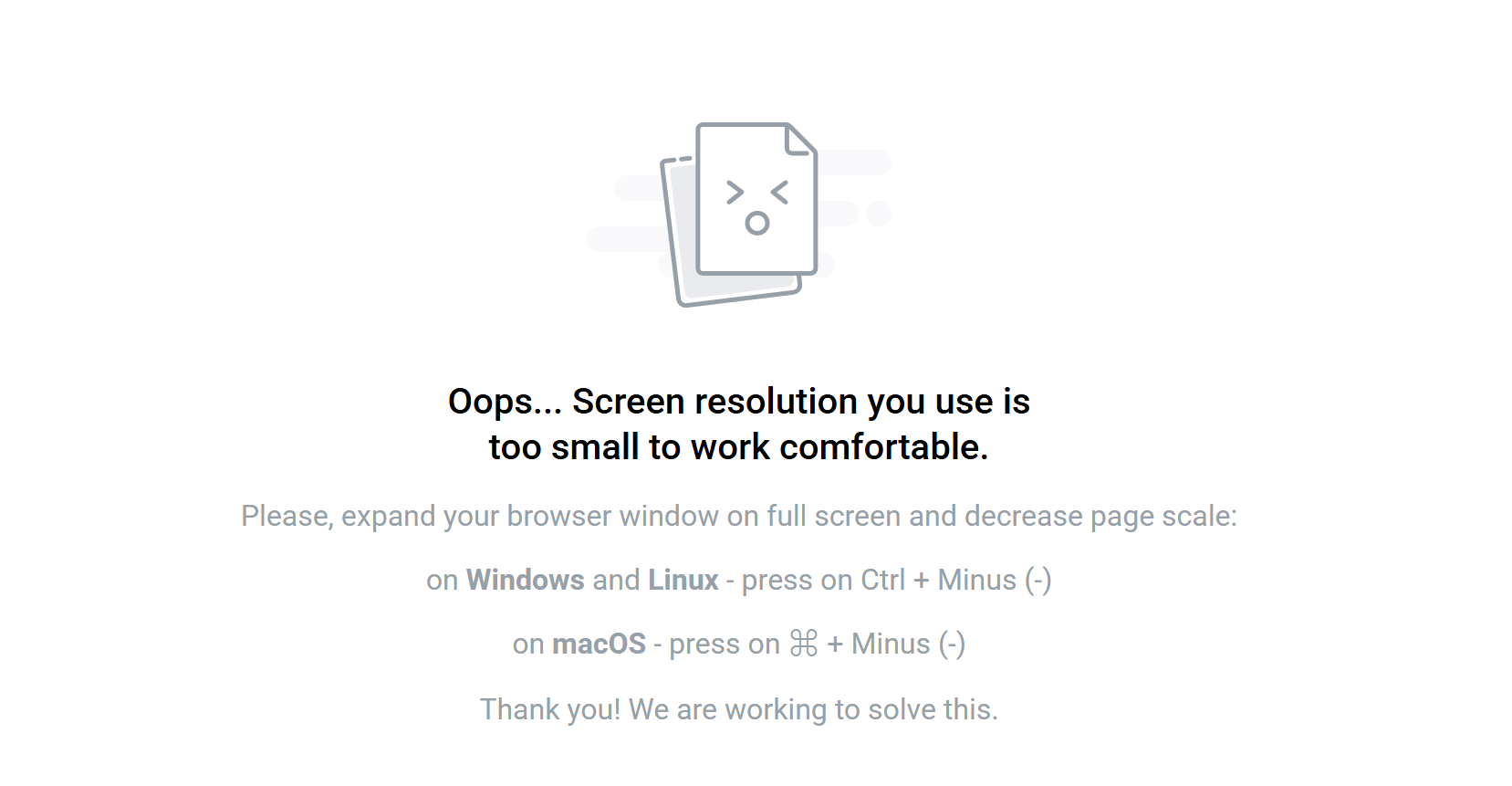
If the user is using a mobile or tablet device, they will be prompted to change it orientation to landscape or portrait:


Last updated