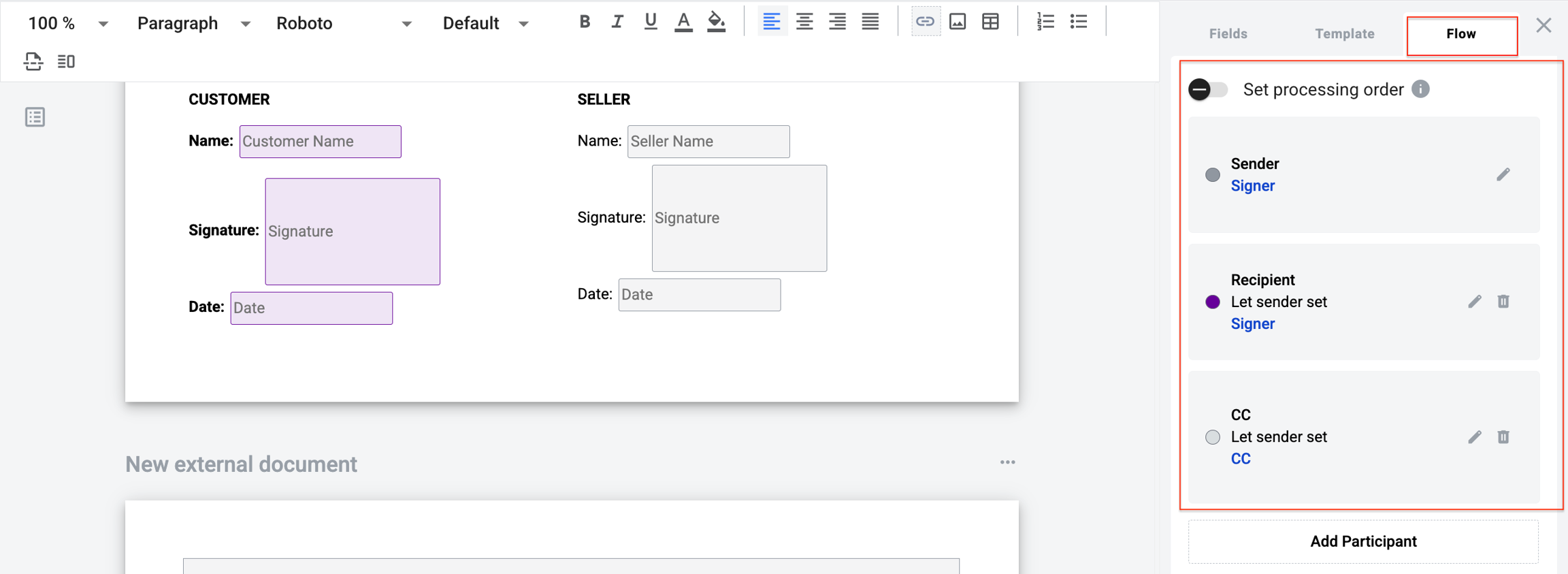
Envelope processing flow defines the order recipients receive an envelope.
DocStudio supports three flow types:
parallel (AUTO)
step-by-step (manual)
serial-parallel (manual)
Parallel flow is configured automatically. Recipients receive the envelope at the same time, based on role type.
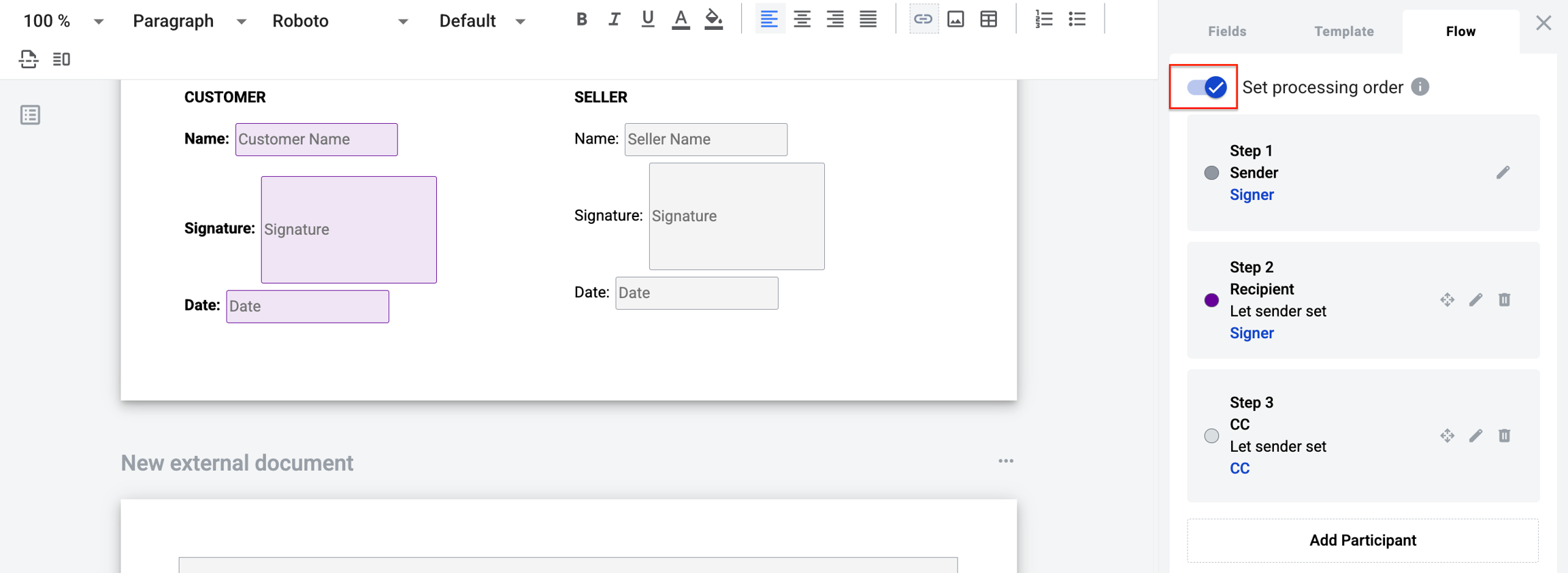
Step-by-step flow sends the envelope in the exact order you define.
Enable Set processing order.
Configure roles in the required sequence.
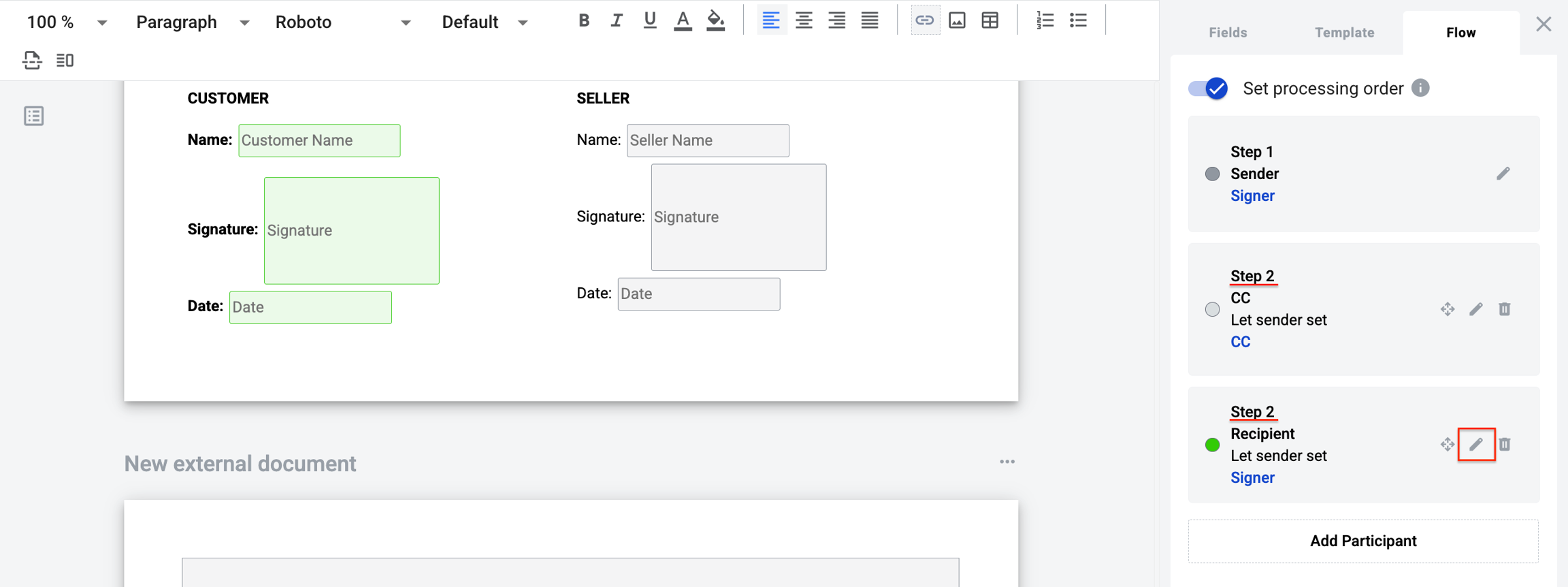
Use serial-parallel flow when multiple roles share the same step number.
Those roles receive the envelope in parallel. Steps are still processed in order.
To change the step number, click Edit and update the processing step for each role.
Last updated 5 days ago